
Biometric Device Guide 2026: Secure Attendance and Access
A reliable biometric device has become the quiet workhorse of the modern office, factory, and clinic. Instead of punch cards that get shared or PIN codes that get leaked, these units read a fingerprint, face, or palm and confirm exactly who walked through the door and when. In 2026, as hybrid schedules and stricter payroll audits collide, businesses across the Gulf and South Asia are replacing guesswork with hard biometric data. This guide explains how the technology works, where it pays off, and how to pick a unit that fits your workflow.
The appeal is straightforward. A face or fingerprint cannot be handed to a colleague, so “buddy punching” disappears overnight. That single change often tightens payroll accuracy enough to justify the hardware.
What a Biometric Device Actually Does
At its core, a biometric device captures a unique physical trait, converts it into an encrypted template, and matches that template the next time the person presents themselves. It does not store a photo of your fingerprint in the usual sense; it stores a mathematical signature that cannot easily be reverse-engineered. When someone scans, the unit compares the live read against stored templates and logs a verified event.
Today’s readers handle attendance, door access, and even visitor management from one panel. A modern Biometric Device can sit at a factory turnstile, a server-room door, or a reception desk and feed every scan into the same back-office system.
Common biometric methods compared
| Method | Speed | Best For | Watch-Outs |
|---|---|---|---|
| Fingerprint | Fast | Offices, clinics | Worn or wet fingers |
| Facial recognition | Very fast | Touch-free entry | Lighting, masks |
| Palm / vein | Fast | High-hygiene sites | Higher unit cost |
| Iris | Moderate | High-security zones | Positioning needed |
Why Businesses Upgrade Their Biometric Device in 2026
Three forces are driving the shift. First, labor costs make every hour of accurate attendance matter. Second, touch-free entry gained lasting popularity, pushing facial and palm readers to the front. Third, integration matured, so a scan can now flow straight into payroll and HR software without manual re-entry.
There is also a security dimension. The U.S. National Institute of Standards and Technology continues to benchmark recognition accuracy, and the best readers now match faces in a fraction of a second with very low error rates. That reliability is why security teams trust biometrics for restricted zones.
Where a biometric device delivers the fastest payback
- Payroll accuracy: verified clock-ins end buddy punching and disputed hours.
- Access control: only authorized staff reach sensitive rooms.
- Compliance: tamper-proof logs support labor and safety audits.
- Multi-site visibility: head office sees attendance across every branch.
- Reduced admin: no more manual timesheet corrections each month.
Pairing Biometrics With Queue and Visitor Flow
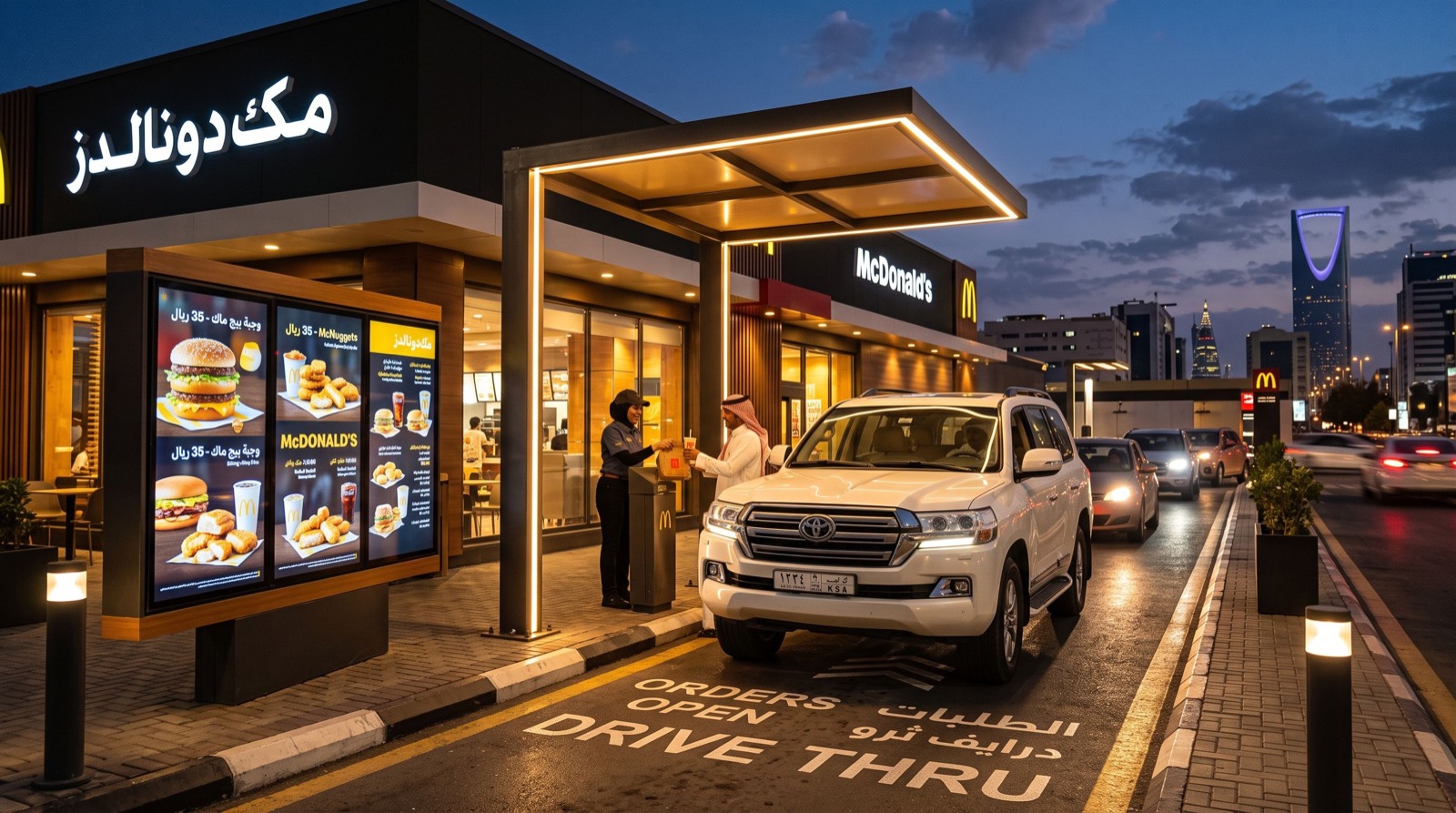
Access control is only half the story. Forward-thinking service centers connect their readers to customer-flow tools so that staff presence and counter demand line up. When a branch also runs a queue management system in saudi arabia, managers can match verified staff availability to live waiting-line pressure and open counters exactly when the crowd builds.
This pairing turns two separate tools into one operational picture: who is on shift, and how many customers are waiting. For growing organizations, partnering with reliable local experts on installation keeps that integration clean rather than cobbled together.
How to Choose a Biometric Device
Buying the right unit is less about specs on paper and more about how it behaves in your environment. Use this sequence before you commit.
- Match the method to the site. Dusty factories favor face or palm over fingerprint.
- Check capacity. Confirm the unit stores enough templates for your headcount plus growth.
- Test in real light. Facial readers must cope with your actual doorway lighting.
- Verify integrations. Ensure it exports to your payroll and HR platforms.
- Ask about offline mode. Scans should keep logging during a network outage.
- Review data security. Templates must be encrypted and access-restricted.
A practical tip from deployments we have seen: enroll each employee twice, in slightly different conditions, so the reader recognizes them even when a finger is dry or a face is partly shadowed. That small step slashes failed-scan frustration on day one.
Placement matters just as much as the hardware. Mount a facial reader at average eye height and away from direct window glare, and give a fingerprint unit a stable, waist-high surface so hurried staff do not fumble the scan. In one warehouse rollout, simply relocating a reader out of the afternoon sun cut failed reads dramatically and ended the morning bottleneck at the entrance. Budget for a short settling-in week, gather quiet feedback from the team, and adjust angles or thresholds before you judge the system. Small physical tweaks routinely deliver bigger gains than swapping the device itself.
Do biometric devices raise privacy concerns?
They can, which is exactly why handling matters. Store templates, not raw images; encrypt them; and tell staff clearly what is collected and why. Give people a fallback method and a way to ask questions. When employees understand that the system logs a mathematical signature rather than a fingerprint photo, adoption is far smoother. Transparent policy is not just ethical; it protects the business during audits.
Frequently Asked Questions
What is a biometric device used for?
It verifies identity using a physical trait such as a fingerprint or face, then logs attendance or grants access. Businesses use it to track work hours accurately, secure restricted areas, manage visitors, and produce tamper-proof records for audits and payroll.
Is a biometric device accurate?
Modern readers are highly accurate, matching in well under a second with very low error rates when enrolled correctly. Accuracy depends on the method, the quality of enrollment, and the environment, so testing in your real conditions is essential before rollout.
Can a biometric device work without the internet?
Yes. Most units store templates locally and keep logging scans during an outage, then sync to the central server once the connection returns. Confirm this offline capability with your supplier if uninterrupted access is critical.
How is my fingerprint data protected?
Quality devices convert your trait into an encrypted template rather than storing an image, and that template cannot easily be turned back into a usable print. Choose a vendor that encrypts data, restricts access, and follows local data-protection rules.
Conclusion and Next Steps
In 2026, the right biometric device does more than open a door; it anchors accurate payroll, tighter security, and cleaner audits across every location you run. Match the reading method to your environment, insist on encryption and offline logging, and connect the readers to your attendance and customer-flow tools for a single operational view. Whether you are securing a factory floor or a busy service center, start with a small pilot and expand once the numbers prove out. Contact a trusted provider today to plan a deployment that fits your team.